 NajStudio
Productivity
PDF Scanner
Scan, sign and share documents in seconds.
Turn your iPhone into a pocket scanner. Capture documents, receipts, notes and IDs, extract text with OCR, and export clean PDFs.
Free to download · iPhone & iPad
Features
Everything you need in PDF Scanner.
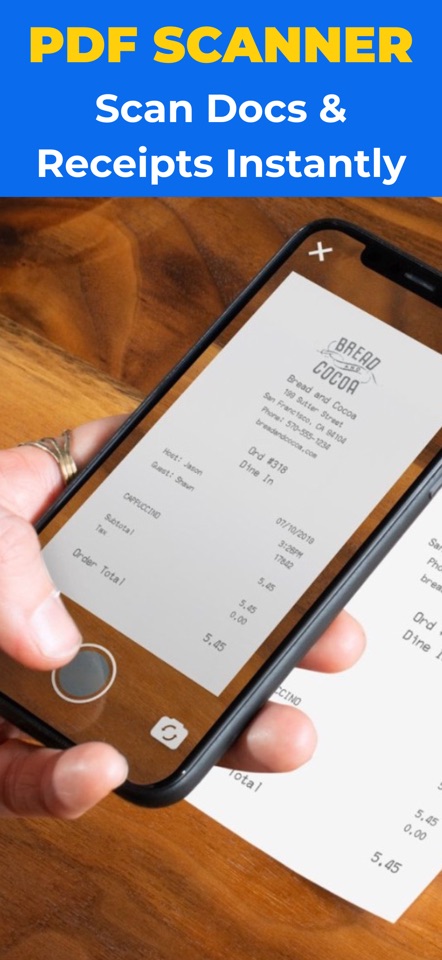
Fast camera scan
Open the camera, scan and save as PDF or JPG instantly.
Edge detection & auto-crop
Document borders are found and straightened automatically.
OCR text recognition
Pull editable text out of scans, photos and PDFs.
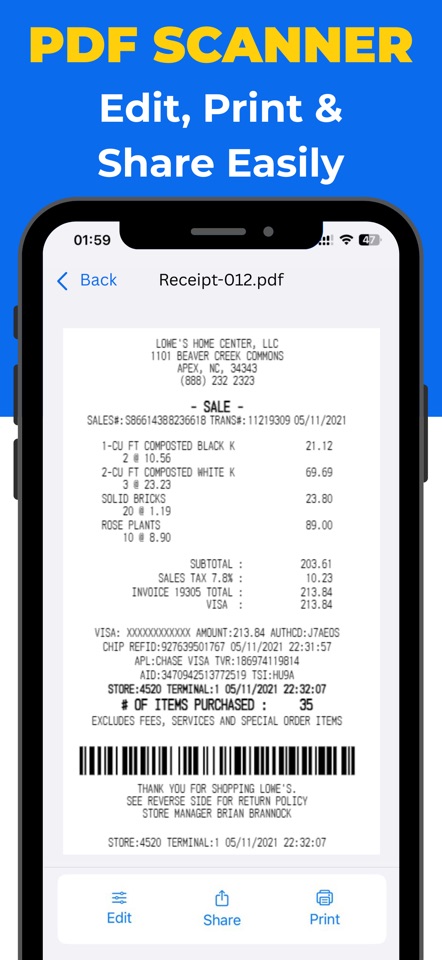
Edit & enhance
Grayscale, black & white and enhance filters for crisp results.
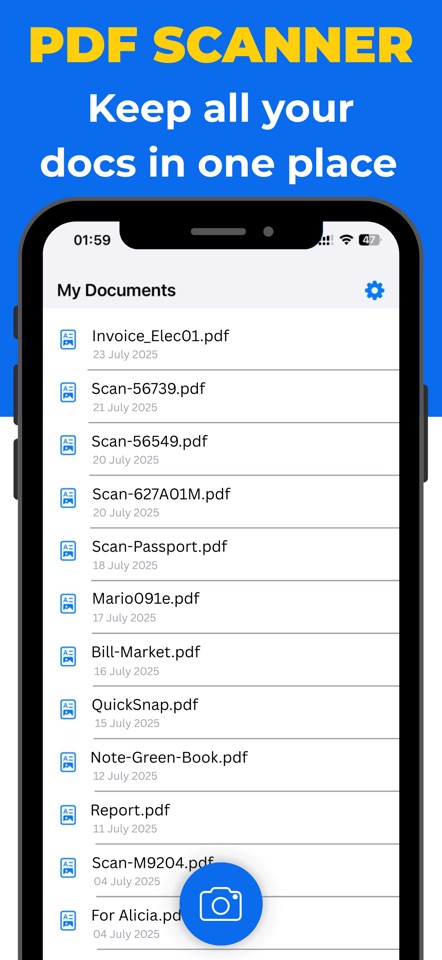
Batch scan & multi-page PDFs
Scan many pages in a row and merge them into one file.
Sign documents
Add your signature directly on your phone, no printer needed.
Screenshots
See it in action.
Perfect for
Made for how you work.
FAQ
Frequently asked questions.
Does it work offline?
Scanning and editing happen on your device. An internet connection is only needed when you share to cloud services.
Can I extract text from a scan?
Yes. OCR recognises text in scans, photos and PDFs so you can copy it.
Which formats can I export?
PDF and JPG, and you can convert images to PDF.
How much does it cost?
Free to download. Premium plans (weekly, monthly or yearly) are shown in the app before you buy.
More from NajStudio
Explore our other apps.
 ZenWhite, brown and pink noise plus 78 sounds to mix for sleep.
 Invoice MakerCreate invoices, receipts and estimates, and track payments.
 Teleprompter ProAuto-scrolling scripts with built-in video recording.
 Bluetooth FinderFind lost earbuds and detect hidden trackers nearby.
 LED BannerScrolling LED text signs with neon and glow effects.
 Ultra Zoom Camera200x digital zoom camera for photos and video.
 Travel CameraGPS photo stamps, travel map, compass and trip history.